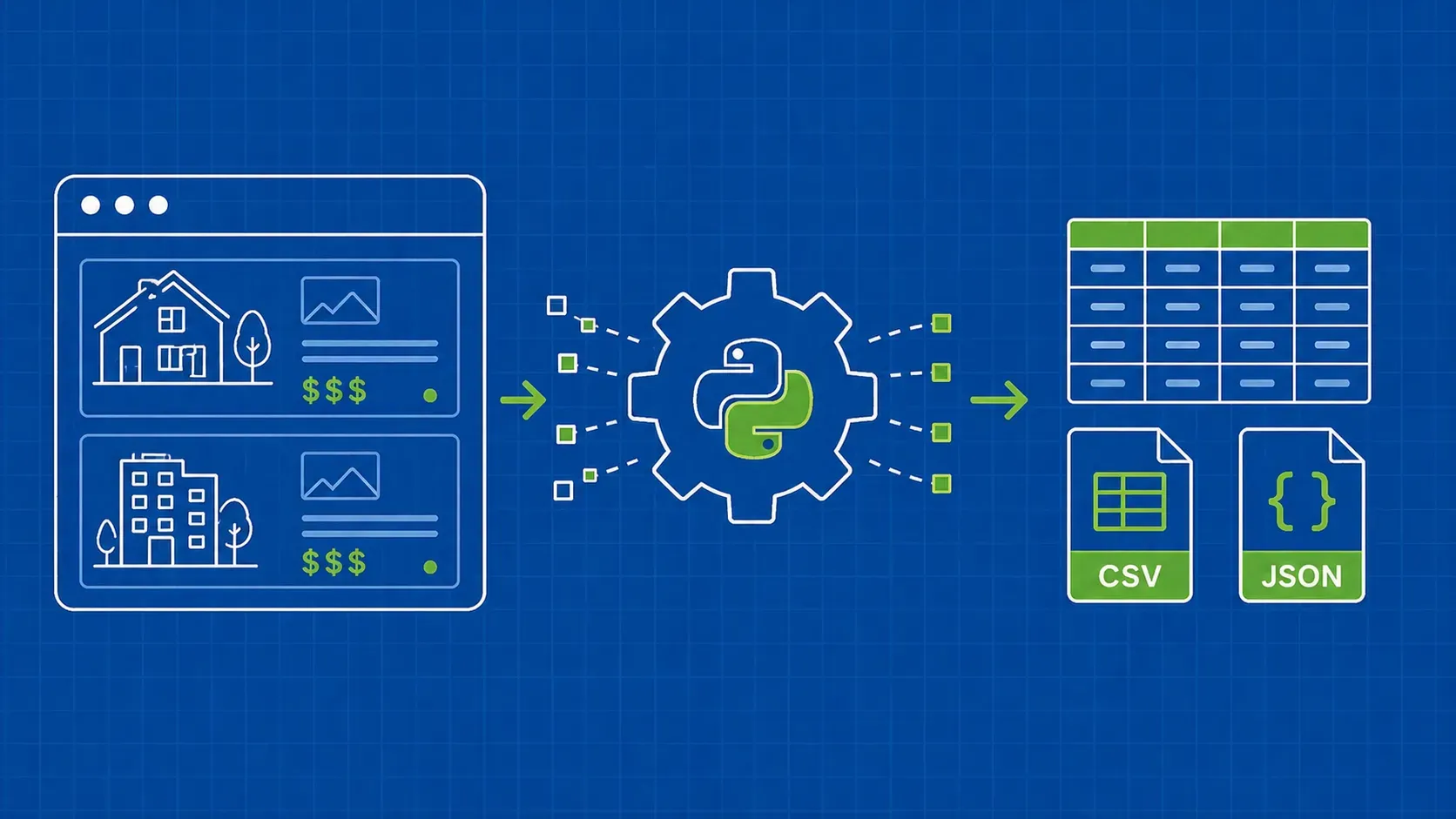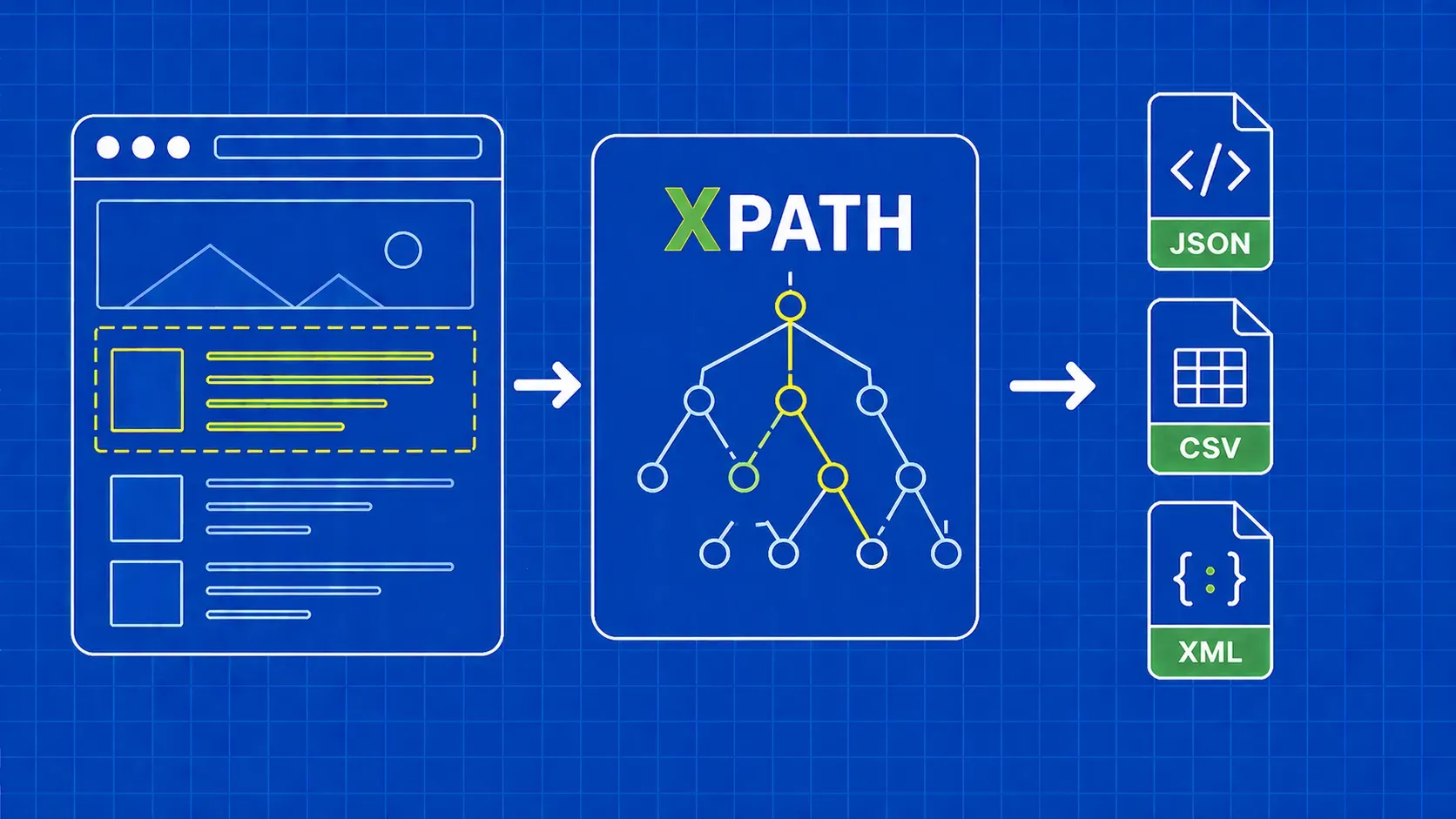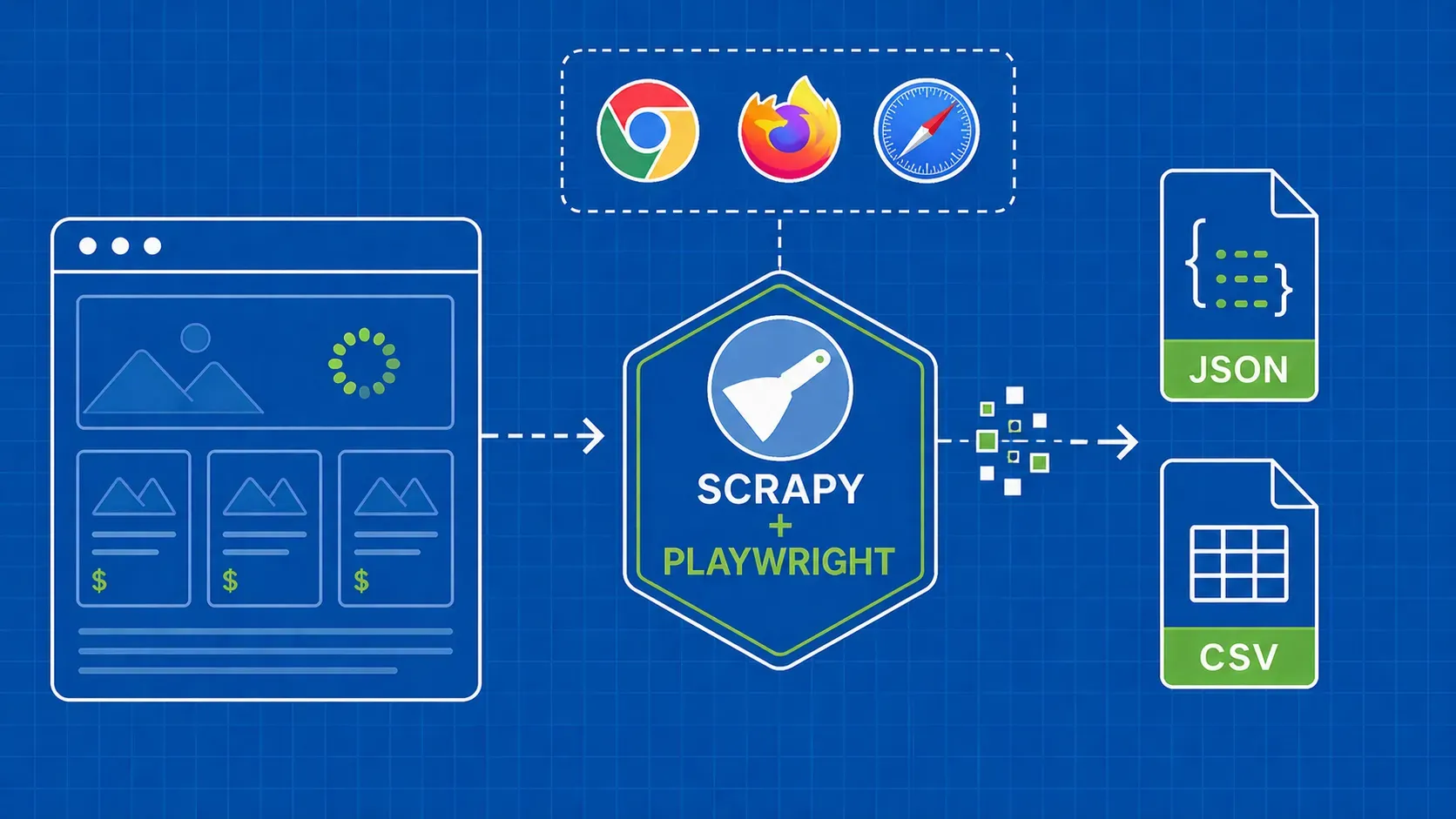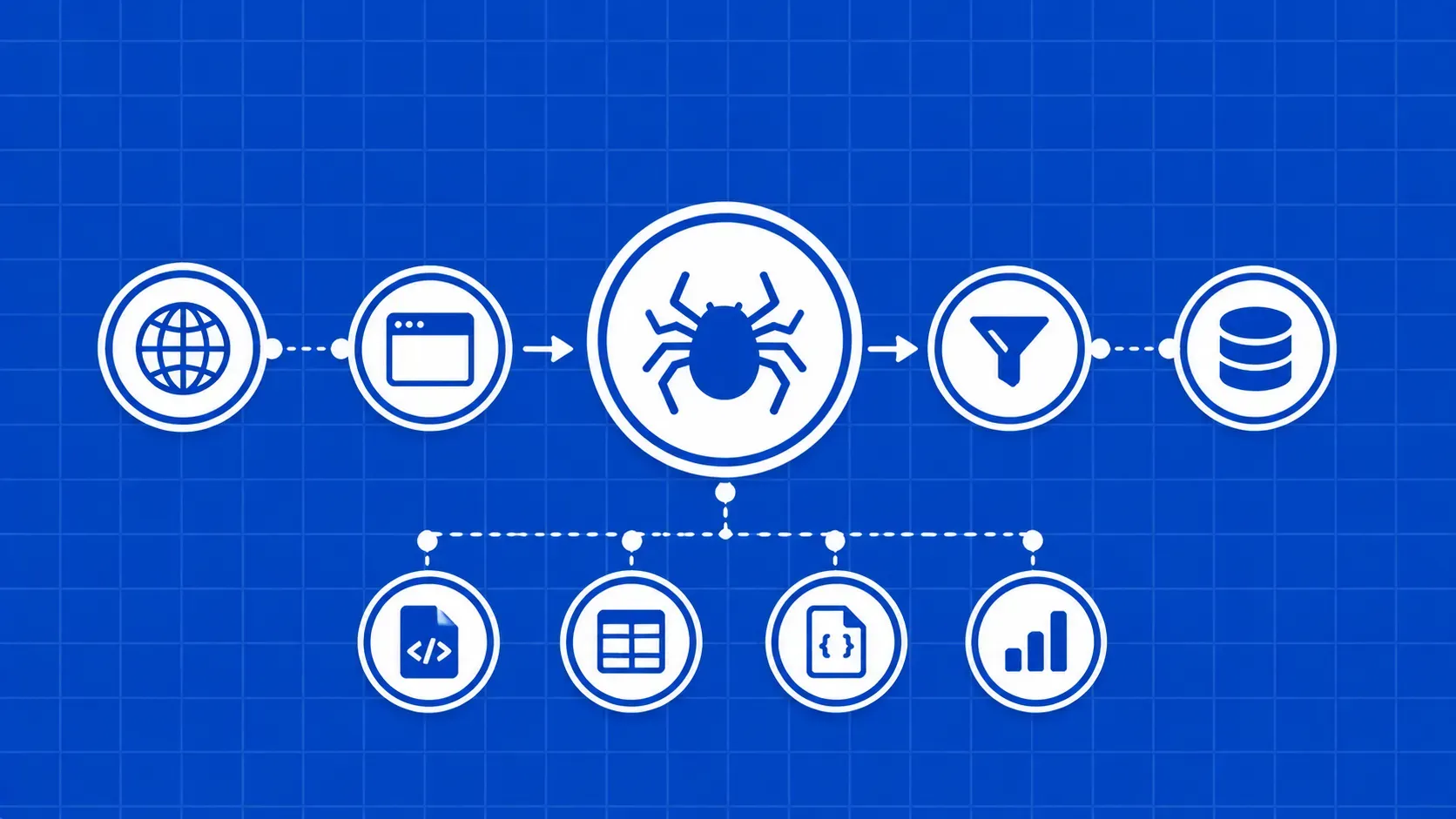
Resumo: Este é um guia completo e com uma visão pessoal sobre web scraping com o Scrapy em 2026. Irá instalar o Scrapy, criar protótipos de seletores no terminal, construir um spider de comércio eletrónico com várias páginas, limpar itens com Item Loaders, guardar dados numa base de dados, reforçar as configurações contra bloqueios e integrar o Scrapy-Playwright para páginas renderizadas em JavaScript.
O Scrapy tem sido a espinha dorsal do crawling sério em Python há mais de uma década e, apesar de uma onda de bibliotecas assíncronas mais recentes, continua a merecer o seu lugar. Se estiver a fazer web scraping com o Scrapy hoje em dia, terá uma estrutura com uma abordagem bem definida que resolve as partes enfadonhas (agendamento de pedidos, deduplicação, novas tentativas, pipelines de itens) para que se possa concentrar nas partes que realmente falham: seletores, anti-bot e armazenamento.
Este guia está estruturado em torno do ciclo de vida das solicitações e respostas, em vez de uma abordagem cronológica. Cada secção corresponde a um componente do Scrapy com o qual irá lidar em produção, desde o motor e os middlewares de download até aos carregadores de itens e exportações de feeds. Utilizamos um único alvo ao longo de todo o guia, o site de prática pública books.toscrape.com, para que cada bloco de código se encaixe num único modelo mental.
No final, terá um spider executável que pagina um catálogo, valida e limpa itens, grava tanto em JSON Lines como em SQLite, faz novas tentativas em 429 casos de erros e recorre a um navegador real quando uma página necessita de JavaScript. Também iremos assinalar as partes da estrutura que os novatos utilizam incorretamente de forma consistente, com correções que podem ser copiadas.